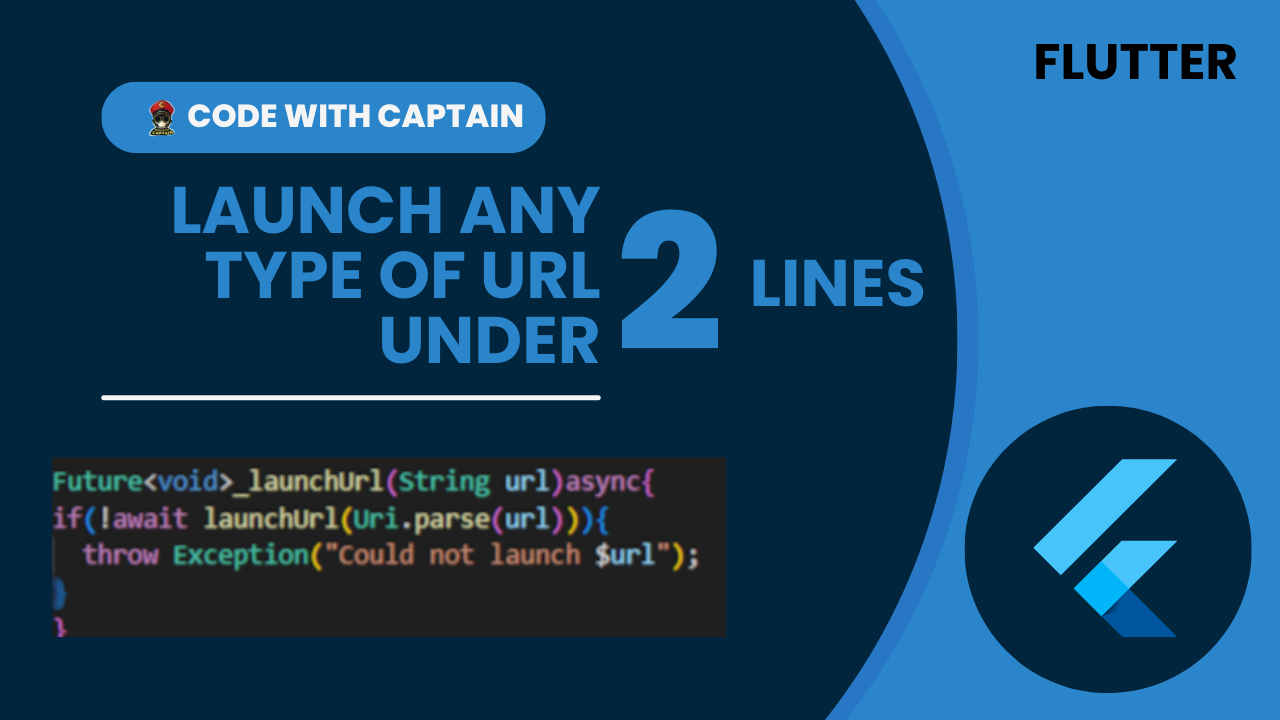
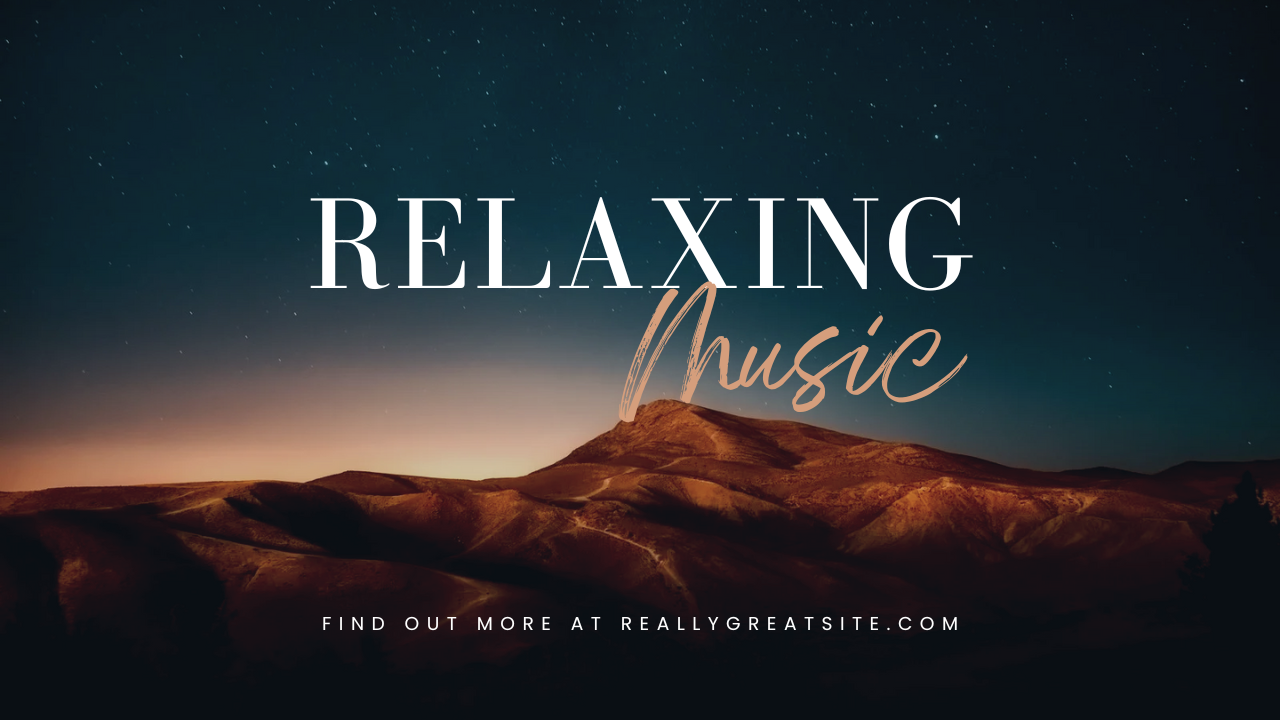
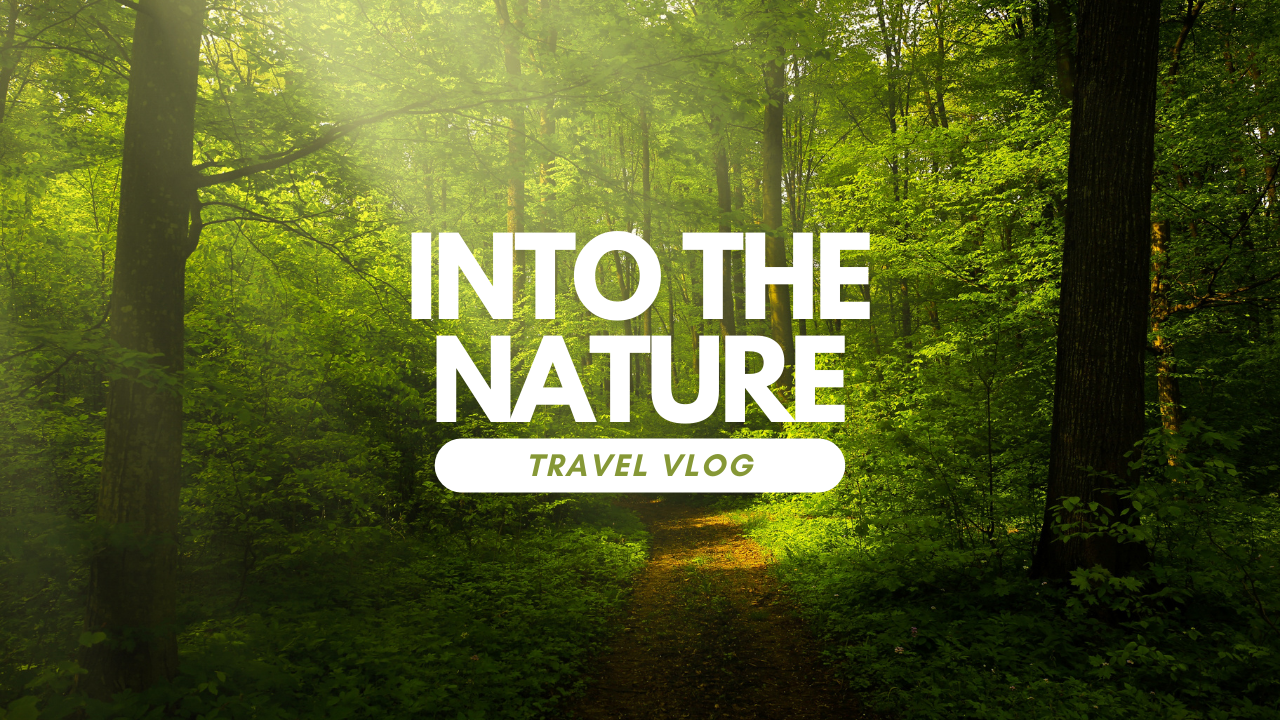
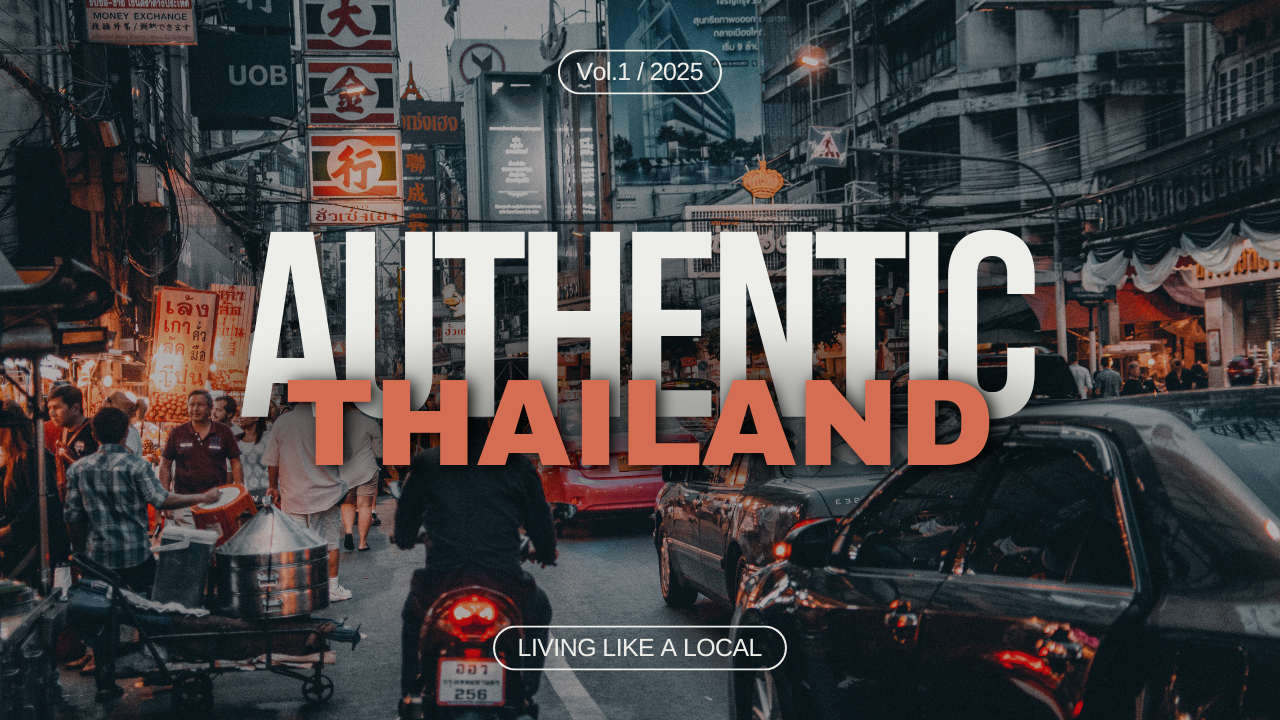
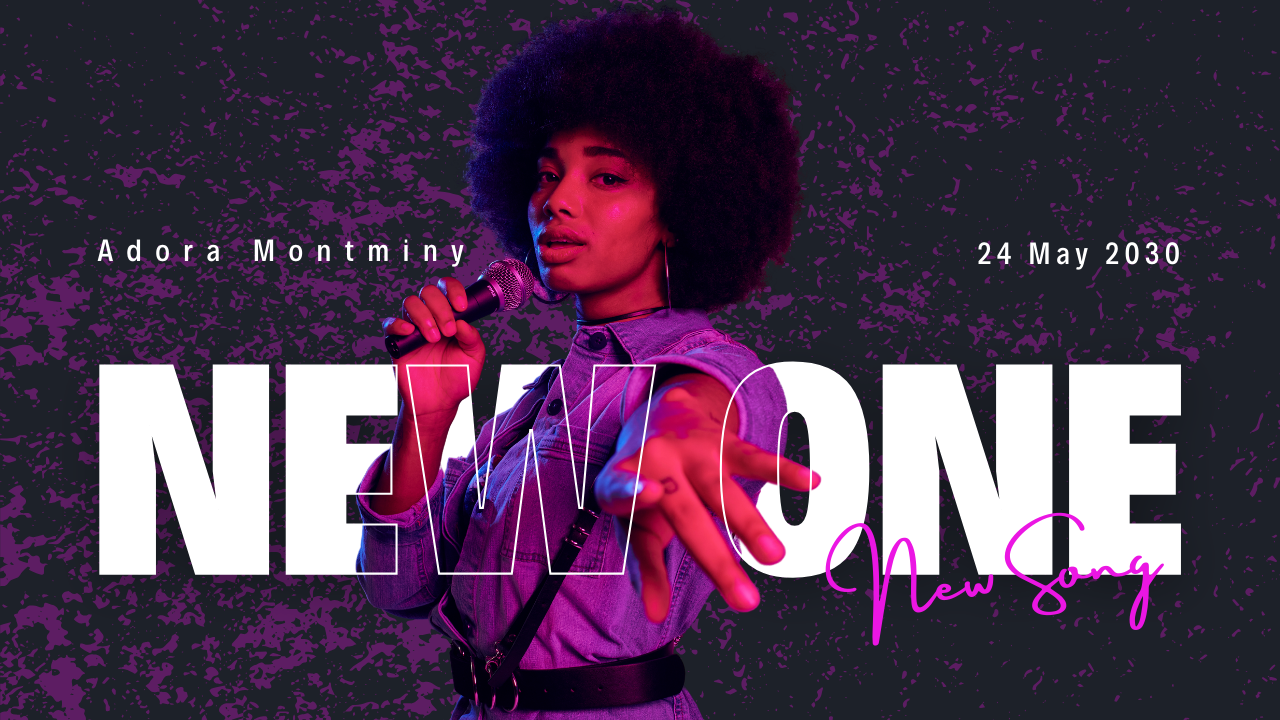
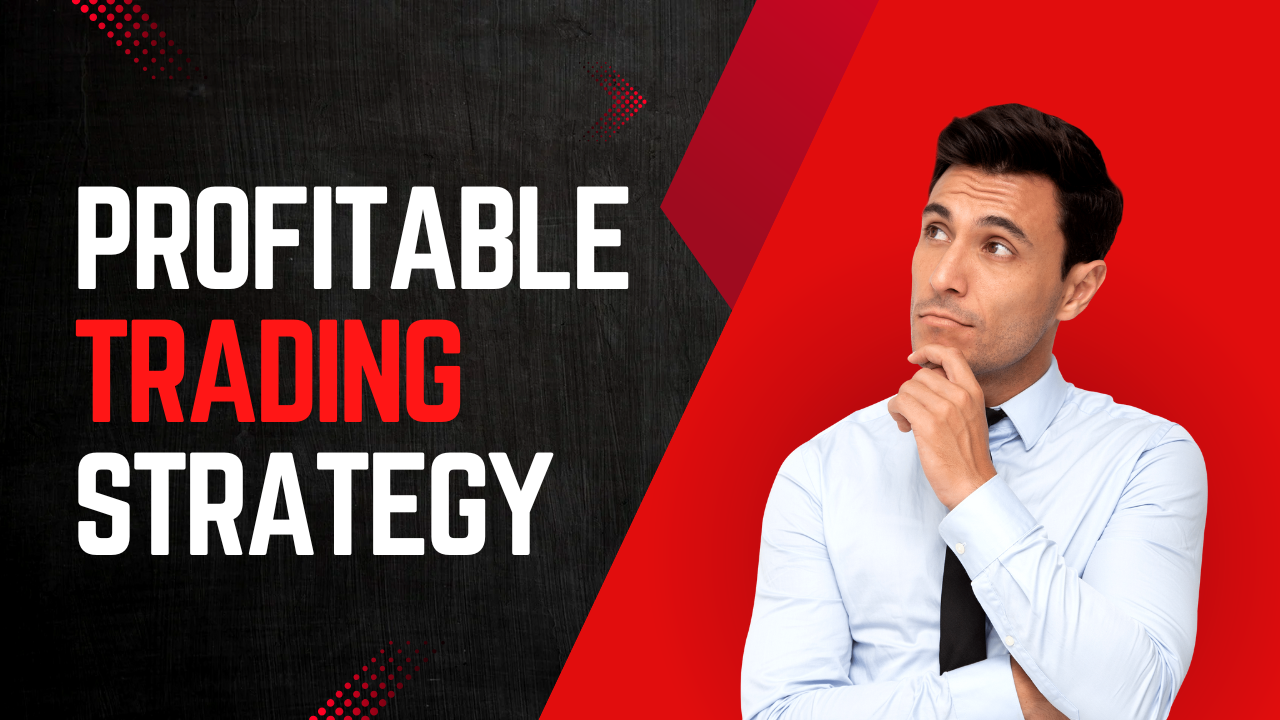
Real feed preview
Your thumbnail rendered inside an authentic YouTube-style grid — not on a blank canvas.
100% free • No signup • Nothing leaves your browser
Your thumbnail decides 90% of your clicks. VidVisual drops it into a real YouTube-style feed — at every size, in dark and light mode — so you publish the version that actually gets clicked.
✓ Works offline ✓ Installable app ✓ A/B compare built in
Everything you need
Every tool that turns “I think this one is good” into “I know it stands out.”
Your thumbnail rendered inside an authentic YouTube-style grid — not on a blank canvas.
Desktop, mobile and the tiny sidebar where most impressions happen. One glance tells you if it survives.
Half of YouTube is dark mode. See both renderings of your design side by side.
Pick up to three versions and view them at identical sizes. Let the strongest one win.
An instant contrast analysis warns you when your title text dies at small sizes.
See exactly where the duration badge covers your artwork before YouTube does it for you.
Paste any YouTube link to place rival thumbnails right next to yours. Out-click them honestly.
Drop a whole batch of variants, or just press Ctrl+V. Built for creators iterating fast.
Export your preview as PNG and install VidVisual as an offline-ready app. Zero friction.
60 seconds, tops
Upload, drag & drop, or paste from clipboard. It never leaves your device.
Set your video duration, pick a category, and see it as a real video card.
Check all sizes and themes, run compare mode, then export and publish with confidence.
“Creators obsess over editing for hours — then upload a thumbnail they’ve only ever seen full-screen, once, on their own laptop.”
VidVisual exists because the feed is where your video is actually judged. Now you can stand there first.
The creator's guide
On YouTube, viewers decide in under two seconds whether to click. Your video title and YouTube thumbnail do all the work — the algorithm rewards the click-through rate they produce. Testing a thumbnail before publishing is the cheapest CTR boost available.
Upload your design to VidVisual's free thumbnail tester, and it renders inside a realistic YouTube-style feed. No Photoshop mockups, no paid tools — just open the previewer and see your thumbnail the way viewers will.
A design that pops on a 27-inch monitor can vanish on a phone. The right way to check YouTube thumbnail size impact is to preview it at desktop width, mobile width and the tiny sidebar simultaneously — exactly what VidVisual's size presets do.
Don't wait for YouTube's built-in Test & Compare to learn what worked after the fact. Run a thumbnail A/B test before you publish: compare up to three versions side by side at identical sizes and pick the one with the strongest contrast and focal point.
Use 1280 × 720 pixels (16:9), minimum width 640px, under 2 MB, in JPG, PNG or WebP. Design big, bold text readable at 10% size — then verify it with our readability checker before it goes live.
Roughly half of watch time happens in dark theme. Colors that vibrate on white get muddy on charcoal. A proper thumbnail preview tool shows both themes side by side — VidVisual does it in one click.
Questions
Yes. Every feature — compare mode, exports, offline app — is free with no accounts and no watermarks.
No. Everything runs locally in your browser. Your images never touch a server.
VidVisual reproduces YouTube’s card layout, typography scale, duration badge and both color themes so what you see matches the real feed closely.
Yes — and you can install it as an app that opens straight into the previewer and works offline.
Yes. Paste any public YouTube link and its thumbnail appears next to your feed for an honest side-by-side.
PNG, JPG and WebP up to 8 MB per image — the same limits YouTube recommends.
Open the previewer and know — not guess — that your thumbnail wins the scroll.
Open VidVisual free →